Before requesting a demonstration (demo), a first business-to-business (B2B) buyer is not only looking to understand what your subscription software (SaaS) does. They want to verify if the problem concerns them, if the product fits their environment, if the proof is credible, and if the budget or implementation remains realistic.
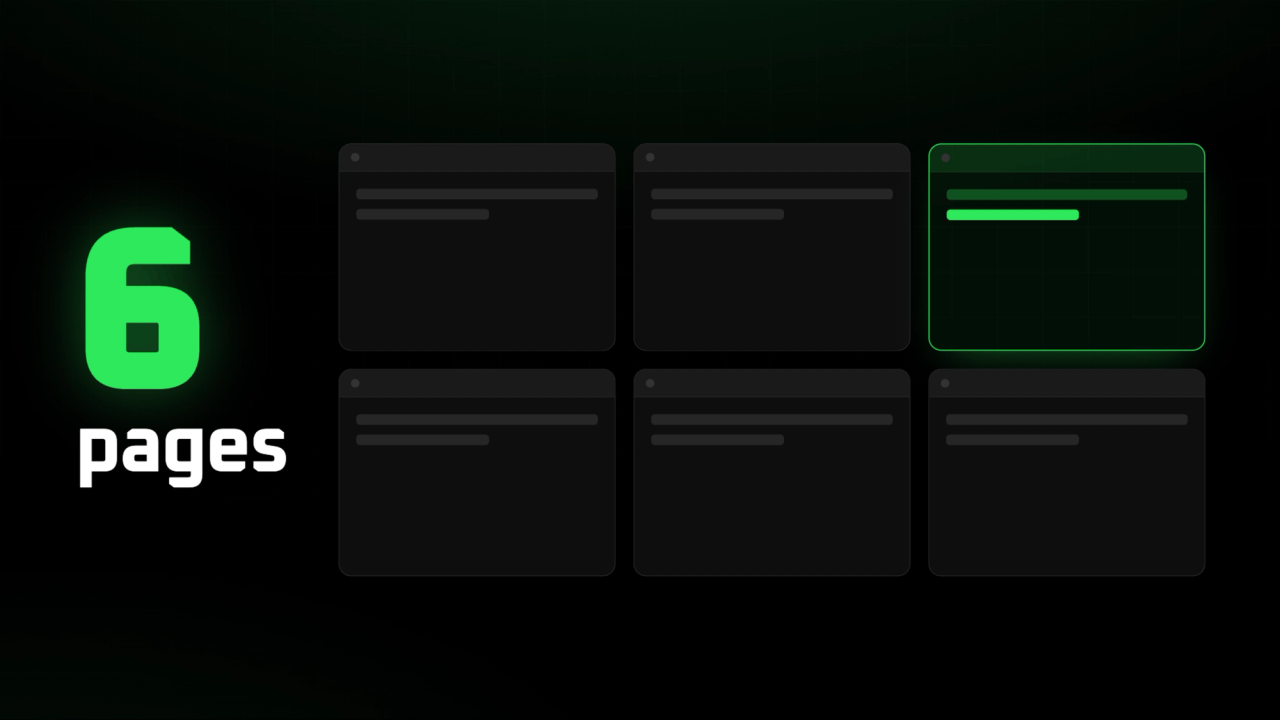
Your SaaS marketing site must answer these questions before the form. Here are the six pages to prioritize to prepare an effective demo, without reproducing a competitor's cluttered platform.
Why choosing a B2B SaaS is decided before the demo request
A B2B purchase is largely decided before the first call. In its 2025 B2B Buyer Experience Report, 6sense surveyed nearly 4,000 buyers in North America, Europe, and Asia-Pacific. The study indicates that the share of independent research before contacting a supplier has dropped from about 70% to 60% of the journey. This data is international, not Quebec-specific, but the mechanics are the same here: compare, consult peers, get an idea of the process, then request a demo to validate.
Your site is used during the selection phase, not just at the form moment. A launch site doesn't need to multiply pages — it has one priority: make the next conversation more useful. What your SaaS marketing site publishes before the demo helps advance a comparison and internal validation. The buying committee uses it to decide with more confidence.
B2B buyers already arrive with a selection criteria
A B2B prospect relies on what they know. They've often already evaluated similar products and apply a reliable framework. They verify six things: value for their organization, daily use, compatibility with their tools, proof of function, implementation effort, and price. Your site gains by answering these six points in the order a buyer raises them — rather than listing features.
The blind spot: reduce risk, not just seduce
Most sites aim to seduce. Buyers want to reduce the risks tied to their use. A list of impressive features rarely convinces a buying team. What reassures them is dated proof, acknowledged limits, and clear deployment conditions. Specify what the product doesn't yet do. Name the technical dependencies. This transparency builds trust more than a polished pitch.
Which six pages should prepare a useful demo?
Here are the six pages your SaaS marketing site must prioritize. Each answers a specific question from a potential buyer. These six answers can first be grouped in one section, then become full pages once traffic and questions justify it.
A note on the "About" section: for a B2B SaaS at launch, the team, the founder's story, and the mission are useful, but they're not part of the six priorities. Place these elements in the Results and Proof section, in the Data and Security page, or in the footer. A standalone "About" section will come later if your target asks for it.
Three nuances are worth remembering: precise and authorized proof helps a prospect evaluate risk more concretely than a slogan; a potential customer may enter through the product, an integration, pricing, or a case study — each page must therefore allow progress toward the demo without imposing a single path; a complete absence of price reference can complicate initial filtering — if cost depends heavily on context, explain the variables, the range involved, or the pilot format.
Six pages, organized by buyer question
The table below connects each page to the question a first-time buyer asks, the elements to publish, and the safeguard to respect.
| Page | Prospect's question | Elements to publish | Proof or safeguard |
|---|---|---|---|
| 1. Problem-focused homepage | Does this SaaS apply to my organization and my problem right now? | Precise target, situation before and after, expected result, primary call to action. | Avoid 'all-in-one platform.' Name a task, deadline, or cost of the status quo. |
| 2. Product and use cases | How does this change daily work? | Real user journey in 3 to 5 steps, annotated screenshots, roles involved, current limitations, example by function or industry. | Link each function to a simplified task. Don't confuse feature with benefit. |
| 3. Results and proof | Why should I believe you if you're still young? | Case study, pilot, design partner, authorized quote, industry experience, measurement method. | Distinguish hypothesis, pilot, and measured result. No logo or result without authorization. |
| 4. Integrations | Can this fit into our way of working? | Compatible tools, integration level, data exchanged, dependencies, manual export, application programming interface (API) or connector. | Distinguish what is native, what requires a connector, and what doesn't exist yet. |
| 5. Data, security, implementation | What technical, operational, or informational risk are we taking? | User access, data export, support, deployment timeline, documentation, and client-side responsibility. A trust center can consolidate these answers. | Never claim compliance, certification, or data residency without current official proof. |
| 6. Pricing, terms, and demo | What budget and commitment should I plan for before talking to a vendor? | Price range or variables, pilot, billing unit, implementation cost, commercial terms, demo content, short form. | An exact price isn't always possible. If not, explain what affects pricing and timeline. |
A website remains a storefront: it prepares the decision, it is not a substitute for a user manual or product user accounts. To clarify the boundary between marketing site and product logic, see our comparison on agentic development.
And before even finalizing these six pages, ensure demand exists — that's the whole point of our article on validating a SaaS idea.
What a Webflow site covers by default, and what requires a choice
On the tools side, here's what a Webflow site covers by default and what requires a choice, integration, or validation.
| What the Webflow site can cover | What requires a tool choice, integration, or validation |
|---|---|
| Pages, content managed in the content management system (CMS), native forms and submission export as CSV — a tabular data file that a spreadsheet can open. | Integration with customer relationship management (CRM) tools, appointment booking, invoicing, contracts, automations and product logic. |
| For e-commerce, Webflow can connect Stripe or PayPal depending on the context and product requirements. | For a SaaS pilot, a Stripe payment link can be a simple path, but it does not replace the supplier's business, tax or contractual rules. |
| Website hosting and publishing. | User accounts, permissions, application data and critical SaaS business logic. |
How do you turn these pages into better-qualified demo requests?
The demo page should not make up for what the website has not explained. It extends a journey already started by the product, proof points, integrations or pricing. Ask only for information useful to the conversation: role, organization, problem to solve, current tool and timeline. Then indicate what happens after submission: response time, the person they will meet and expected preparation.
Plan a primary call-to-action — for example "Request a demo". Also consider a secondary call-to-action for less committed visitors: "see integrations", "view a case study" or "get a checklist". Link the form to your CRM to track each request. For form data collection, keep your obligations in mind without assuming that an article confirms your compliance.
Measure clicks to Pricing, Integrations and Data pages: they show where real hesitation lies and help you prioritize the first elements to prepare for the conversation.
The demo extends the journey, it does not make up for a lack of proof
After the form, a buyer wants to know what to expect. Display the response time, the person they will meet and what they need to prepare to make the conversation useful. A demo is not meant to present product basics — those belong on the platform. If a page on your SaaS marketing website lacks proof, the demo will not replace it.
A demo should be the logical next step, not the first explanation
A demo should not be used to explain your product basics. It should confirm the fit between a problem, a use case, a possible integration, an acceptable risk level and a well-defined business framework.
Are you launching a SaaS or looking to redesign your marketing website?Clarify which pages to prioritize, what proof points to create and what questions to resolve before your next demo campaign.
FAQ
How do you display pricing when it varies by customer?
You don't have to show an exact price. Instead, give the variables that drive it: number of users, volume, modules, support. A range or pilot format is often enough to set budget expectations and avoid unnecessary filtering.
Do you need a separate demo page?
Not necessarily at launch. The demo request can be integrated into a section of your Pricing and Terms page. Include a short form and indicate what happens after submission: response time, the person they will meet and expected preparation.
How to show proof when you have few clients?
Distinguish between hypothesis, pilot, and confirmed result. A pilot project, a design partner, or an authorized quote is worth more than a logo displayed without agreement. Specify your measurement method rather than advancing an unverifiable figure.
What to publish about security and integrations without making mistakes?
Describe what actually exists: compatible tools, integration level, data exchanged, access and export. Distinguish between native, connector, and what doesn't exist yet. Claim no compliance or certification without official and current proof.