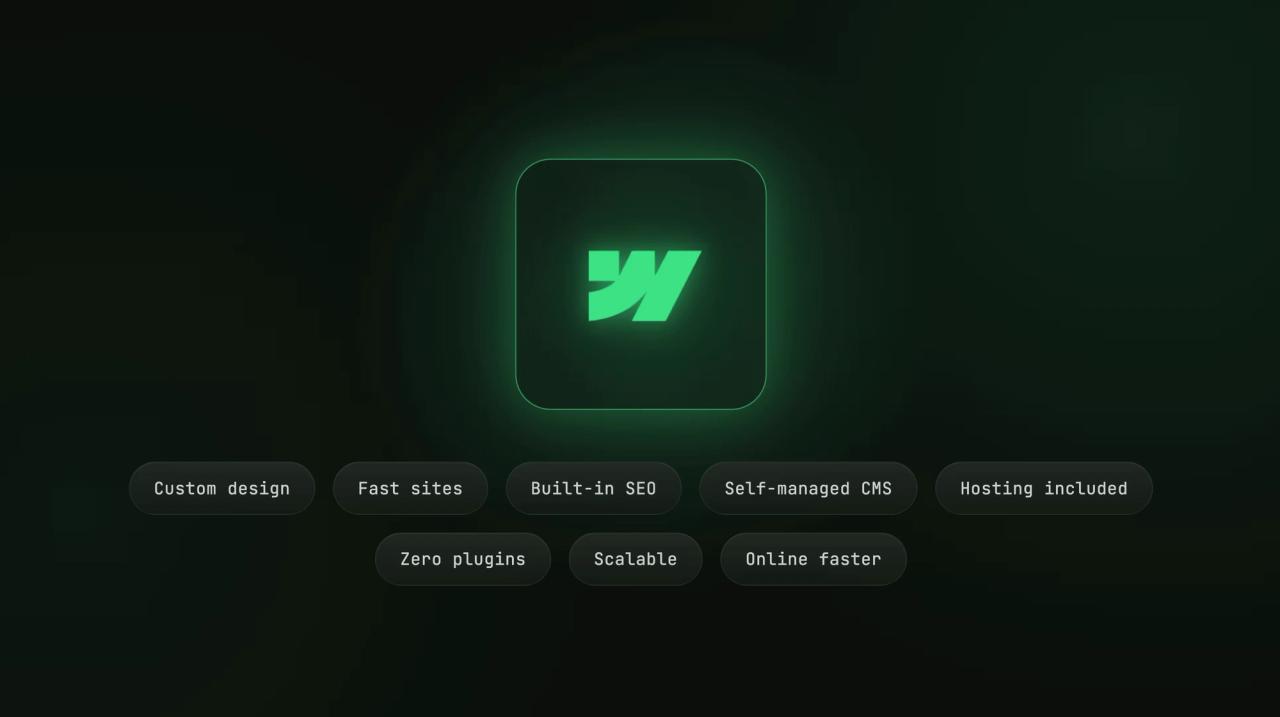
Webflow brings together what other tools separate: the design freedom of a studio and the simplicity of no-code. That's why so many companies adopt it.
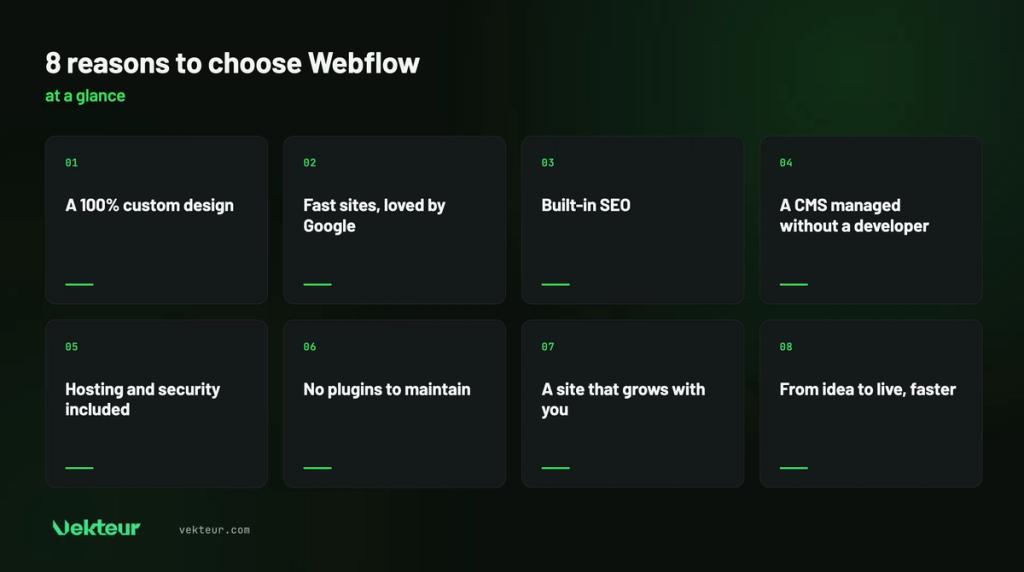
Here are 8 concrete reasons to choose it, and, to be honest, the cases where another solution is better. If you're discovering the tool, first see what Webflow is for.
| The essentials |
|---|
| Webflow shines through its design freedom, performance and the autonomy it gives your team. Ideal for a SMB or nonprofit that wants a distinctive, fast and scalable website. Less relevant for a pure e-commerce store (Shopify) or a very tight budget (Wix). We're being straightforward. |
100% custom design, without touching code
With Webflow, no template confines you: everything is designed from scratch. Your site looks like your brand, not a template seen everywhere else.
You adjust every detail to the pixel: margins, animations, layout. And all of this visually, without a single line of code.
Fast sites that Google rewards
Webflow produces clean and lightweight code, without unnecessary bloat. Your pages load quickly, on desktop and mobile alike.
Speed is more than comfort. Google makes it a ranking criterion, and every second saved keeps your visitors engaged.
| Good to know |
|---|
| Google now measures the real speed experienced by your visitors, through Core Web Vitals. On this technical front, a Webflow site has a head start. |
SEO foundations ready from the start
Meta tags (behind-the-scenes information that tells Google what each page is about), titles, sitemap, redirects, clean URLs : everything is accessible without extensions. Your site is ready for Google from day one.
Every technical setting that impacts SEO remains within your reach. Enough to build a real content strategy.
A CMS your team controls without a developer
Webflow separates design from content. Once the site is delivered, your team adds articles, projects, or pages without calling a developer.
No intimidating control panel: you edit directly on the page. That's everyday autonomy, for taking control after launch.
| Real-world example |
|---|
| A nonprofit updates its news and events every week. With Webflow, its team does it alone, without a developer invoice for every change. |
Hosting, security, and updates included
No server to manage, no updates to monitor. Webflow hosts your site (it stores it and makes it accessible online) on fast and reliable infrastructure (AWS and Cloudflare).
SSL certificate (the security lock that encrypts exchanges and shows « https »), backups and patches are automatic. A solid technical foundation forBill 25, even though compliance also requires consent and privacy policy.
No plugins to maintain, so fewer vulnerabilities
Elsewhere, features often rely on extensions (small modules added to the site) you install, update and secure. Each plugin is a potential entry point.
Webflow integrates the essentials natively: fewer dependencies, less maintenance,less risk. We detail this contrast inWebflow vs WordPress.
| Expert insight |
|---|
| The real benefit of Webflow isn't magic. It's mostly what it saves you from: plugins, servers, technical debt. Ask yourself how many hours you spend maintaining your current site. |
A site that grows with your business
A Webflow sitedoesn't need to be rebuilt at each stage. The CMS (the tool to manage website content without coding) handles hundreds of pages, and multilingual support adds on without rebuilding everything.
You start with a showcase site, you add a blog, then an international section. The toolgrows with you, not the other way around.
From idea to launch, faster
The transition from design to site is direct, with no back-and-forth between mockup and developer. A project ships sooner, with fewer correction cycles.
For a small business, this time saved really matters. Your site works for you weeks earlier.
Webflow also has its limits: let's be honest
No tool is perfect, and Webflow is no exception. Three cases where another solution is better.
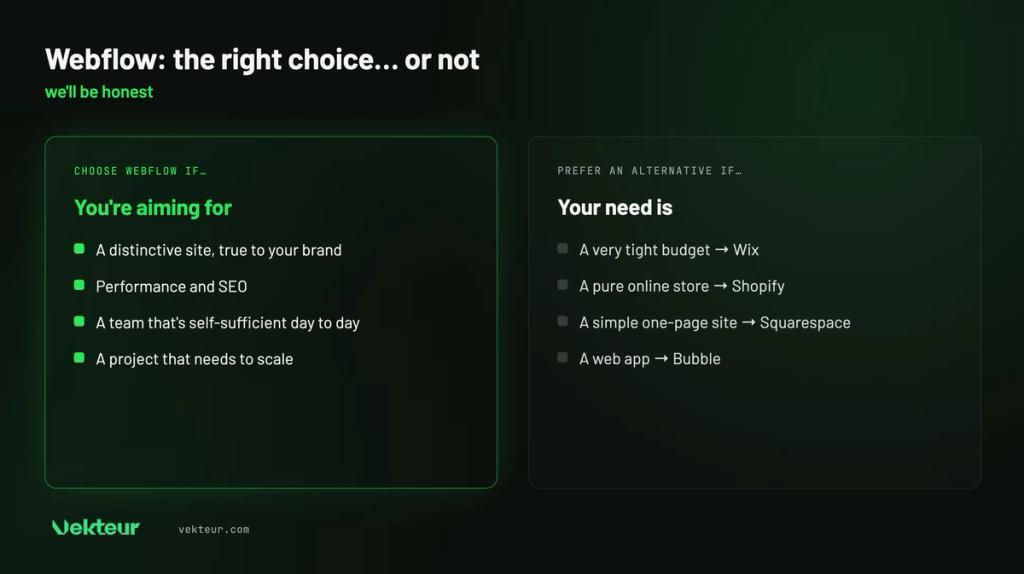
Very tight budget or single-page site: Wix or Squarespace will do just fine. Shop with large catalog: Shopify remains more complete.
For an application with logins and dashboards, Bubble is what you need. Finally, Webflow itself requires learning: designing a site from A to Z isn't instant. Which is why working with an agency makes sense.
| ⚠️ Warning |
|---|
| Choosing Webflow "because it's trendy" is a bad reason. Choose it because it answers a real need: a distinctive, scalable and high-performing site. |
Which companies does Webflow excel for?
Webflow especially serves certain profiles. Here's where it really makes a difference.
| Your profile | Why Webflow |
|---|---|
| SMB wanting a strong brand image | Custom design, professional output |
| Non-profit publishing frequently | CMS autonomy, zero dependency |
| Growing business | Scalable and multilingual site |
| Marketing team | Pages delivered fast, no developer needed |
| Project aiming for Google | Clean code, SEO built-in |
Our verdict: should you choose Webflow?
Whenever a site needs to last, stand out and rank well on Google, Webflow ranks among the best choices. As long as it's built properly.
If your need is simpler or purely transactional, an alternative will do. The right tool is the one that serves your goal.
| What you need to know |
|---|
| Webflow combines design freedom, performance, SEO and autonomy. Hosting, security and updates are included, with no plugins to manage. It grows with you, from a brochure site to international scope. Choose it for a real need, not because it's trendy. |
Want a well-built Webflow site?
Webflow gives you the best in good hands. Structure, CMS and performance are built from the ground up.
Our team designs custom Webflow sites, ready to grow, without you touching the code. Let's talk?
Frequently asked questions about choosing Webflow
Is Webflow a good choice for an SMB?
Yes, especially for an SMB that wants a distinctive and scalable site. CMS independence and the absence of heavy maintenance work well for small teams.
Is Webflow suitable for non-profits and organizations?
Very much so. Teams update news and events without a developer, and secure hosting provides a solid technical foundation. However, compliance with Law 25 requires consent and a privacy policy.
Do you need to know how to code to use Webflow?
No to manage content day-to-day. However, you need to understand web development logic to build the site from A to Z. That's why it makes sense to have an agency handle the construction.
Is Webflow worth the cost?
For a strategic site, yes: you pay for performance, autonomy, and zero maintenance. For a simple page, a cheaper option is enough.performance, autonomy and freedom from maintenance. For a simple page, a less expensive option will do.